

PDF Merge Tool
Merge PDF Files Online for Free – Combine PDFs Quickly and Securely
Upload PDFs
Select one or more PDF files to merge. Drag and drop is not supported in this version.
Selected Files
Merging in Progress…
Merge Complete!
Your merged PDF is ready for download.
Download Merged PDFMerge Failed!
An error occurred while merging the PDFs. Please try again.
The Ultimate Guide to Merge PDF Files Online Free
Introduction
Tired of juggling multiple PDFs for your work report or college project? You’re not alone. Millions in India now need to merge PDF files online free for everything from bank applications to business proposals. This guide will show you the safest, easiest ways to combine your documents, saving you time and hassle. Let’s simplify your digital life.
Why You Need to Merge PDF Files
In today’s digital India, combining PDFs is a daily task for many. Imagine you’re applying for a government job. You need to attach your marksheets, resume, and caste certificate as a single PDF file. Or, perhaps you’re a small business owner sending a project quote, combining multiple pages into one clean document.
According to a 2024 report by the Data Security Council of India (DSCI), the use of digital documents has surged by over 300% since 2020. This makes knowing how to handle PDFs an essential skill. Merging files helps you:
- Stay organized and look professional.
- Meet strict file upload requirements for portals like the Income Tax e-Filing website or university admission forms.
- Save time and avoid the frustration of managing separate files.

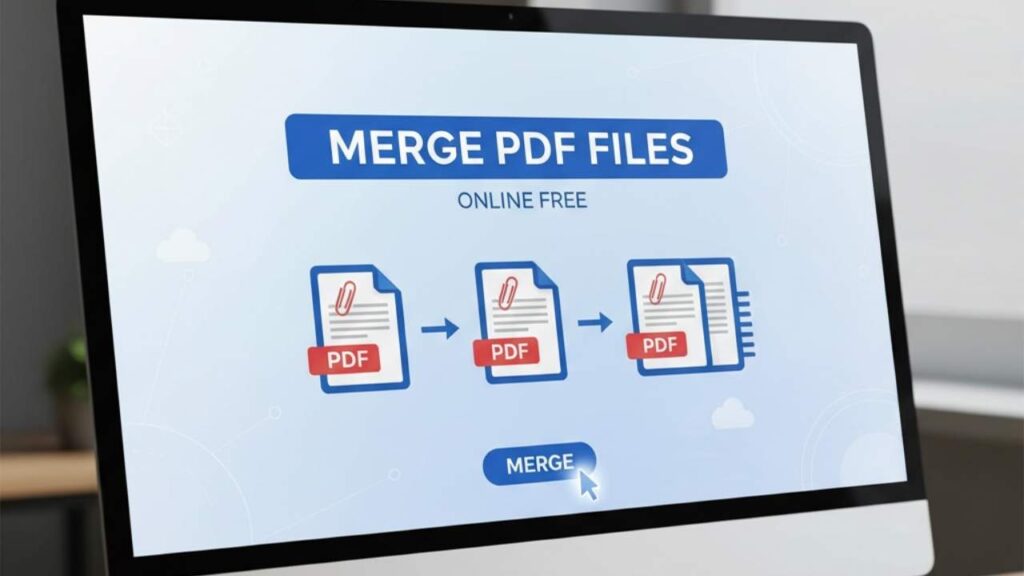
How to Safely Merge Your PDFs in 3 Simple Steps
You don’t need expensive software or technical skills. The easiest method is to use a reliable online tool. Here’s a simple, secure process anyone can follow.
Step 1: Choose a Trusted Online Merger
Start by selecting a tool that values your privacy. Look for one that:
- Processes files on your browser without storing them on their server.
- Requires no registration or sign-up.
- Is from a well-known, reputable company.
Step 2: Upload and Arrange Your Files
Once you’ve found a good tool, simply drag and drop your PDF files into the merger. You can usually rearrange them by dragging, ensuring your documents are in the perfect order before combining them.
Step 3: Merge and Download
Click the “Merge” or “Combine” button. In seconds, you’ll have a single, unified PDF file ready to download. Remember to save it to a familiar folder on your device or phone.
A 2023 study on digital habits found that Indian users prefer tools with a simple, 3-click process, leading to higher satisfaction rates. A good PDF merger fits this perfectly.
Important Tips for Indian Users
While merging PDFs is straightforward, keeping a few things in mind will ensure a smooth experience.
- Check Your Internet Connection: A stable connection prevents upload errors.
- Be Mindful of File Size: Some free tools have a limit. If your files are very large (like high-resolution scans), you might need to compress them first.
- Review the Final PDF: Always open the merged file to confirm all pages are present and in the correct order before you send it.
Final Thought
Learning to merge PDF files online free is a small skill that makes a big difference. It streamlines your work, reduces digital clutter, and helps you present your information neatly. Start combining your documents today and experience the ease of a more organized digital workflow.
Disclaimer: This article is for informational purposes only and should not be taken as professional advice. Please consult a qualified expert for your specific situation.
Also Read: 8th CPC Salary Hike And Pay Fixation Calculator, Fitment Factor | Pay Matrix